
Introduction
In modern enterprise environments, deploying complex applications like Order Management (OM), Call Center, and Store Engagement requires automation, reproducibility, and easy rollback mechanisms. Docker provides a perfect solution by containerizing all components, including the application server, database, and middleware.
In this blog, we’ll explore how an OM Docker environment is built and deployed, including updating custom extensions (.ear, .war, and smcfs files) using a real-world script example.
1. Understanding the Dockerized OM Environment
A typical OM Docker setup consists of multiple containers:
- om-appserver → Main runtime container hosting the application server and extensions.
- om-db2server → DB2 database container for storing OM data.
- om-mqserver → MQ container for messaging queues.
- Optional containers → Order Hub, Call Center, etc.
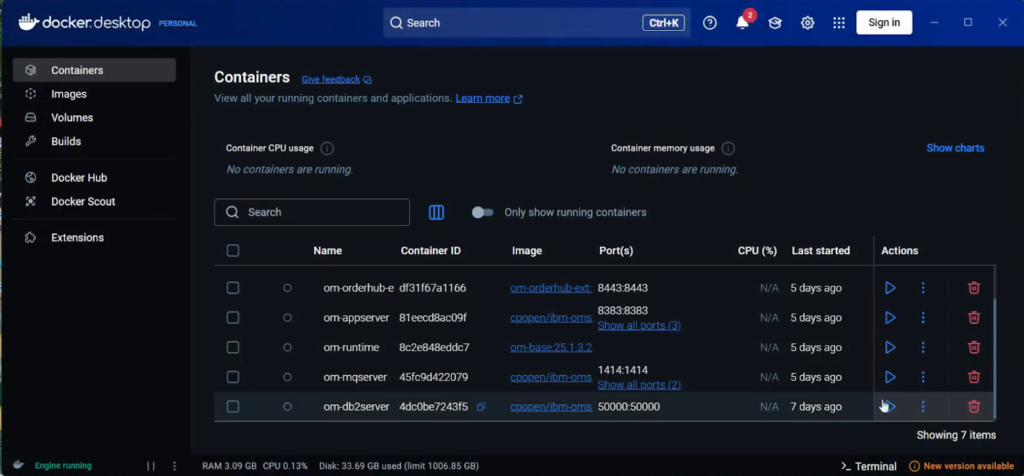
Make sure om-db2server, om-mqserver, om-runtime and om-appserver are up and running in the docker/remote environment.
Key points:
- Single-container setup: All components run inside om-appserver.
- Multi-container setup: Each service runs in its own container and communicates via Docker networking.
2. Building the Environment
The setup or setup-upg commands in om-compose.sh handle full builds, based on the properties added in the om-compose.properties file:
Step-by-step:
- Pre-checks
- Validates environment variables (JAVA_HOME, MQJC_*, DTK_ID).
- Checks connectivity to integration services (IV, SIM).

- Docker image preparation
- Loads base images for appserver, DB, and MQ.
- Removes old containers if needed.
- Container creation
- Single-container: Runs all services in om-appserver.
- Multi-container: Each service gets a dedicated container, orchestrated via docker-compose.

- Volume mounting
- Ensures persistent data directories for DB, MQ queues, runtime configs, and certificates.
- Runtime initialization
- Sets runtime properties and initializes the database schema.
- Handles multi-schema setups if enabled.
After enabling the required properties in om-compose.properties run ./om-compose setup command. This will do the sterling setup in the docker environment.
3. Updating Extensions (update-extn)
Often, new features or customizations are deployed via JARs containing .ear, .war, and smcfs files.
Command:
./om-compose.sh update-extn /path/to/customizations.jar
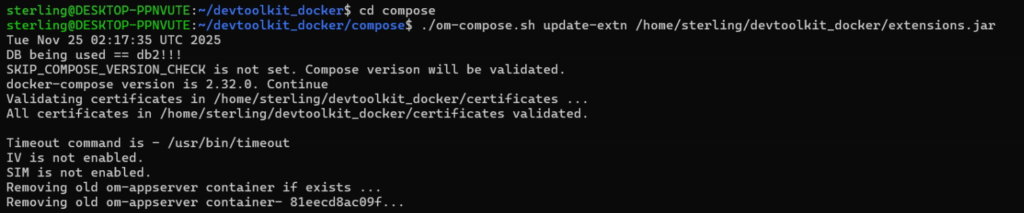
Note: To generate customization.jar please refers here.
Step-by-step:
- Recreate the om-appserver container & Import certificates
Stop the existing om-appserver and create a new om-appserver container. Import the necessary certificates from devtoolkit_docker/certificates/ and validate all certificates based on the DTK ketstore.
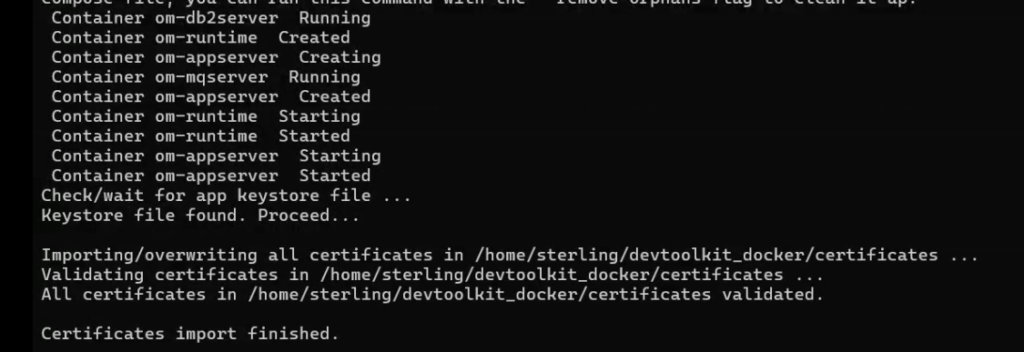
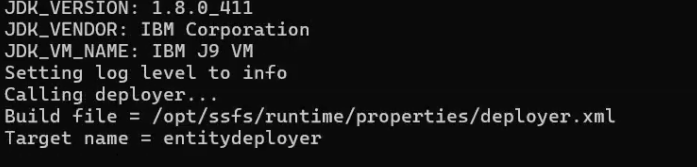
- Build resourcejar and entitydeployer
Update-extn command will automatically build the resourcejar and extitydeployer from the customization.jar
bash ./deployer.sh –t resourcejar
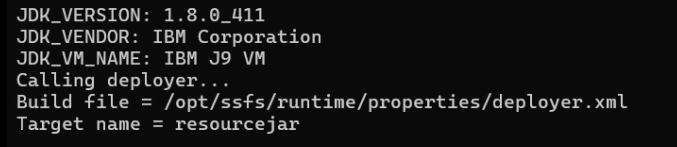
bash ./deployer.sh –t entitydeployer
- Build war files
Based on AP_WAR_FILES in om-compose.properties, the update-extn command will automatically generate the .war files.
wscdev.war
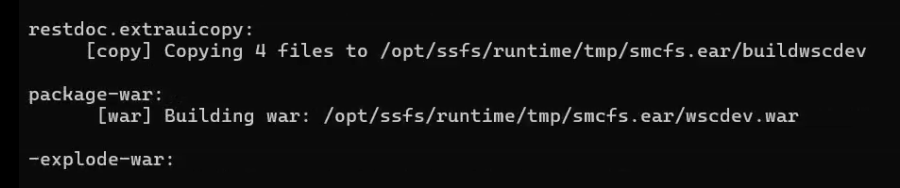
smcfs.war

sbc.war

sma.war

isccsdev.war

isf.war

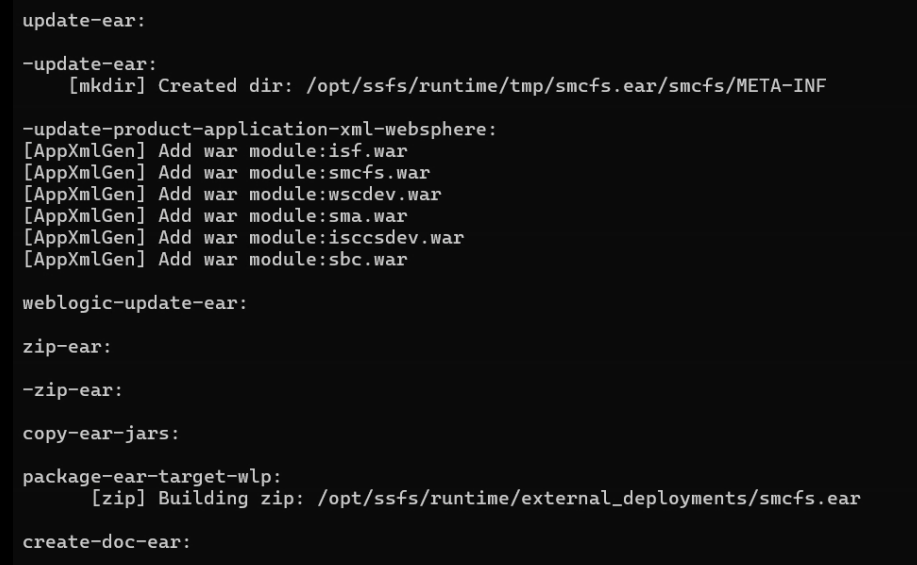
- Generate ear file
smcfs meta information updated to smcfs.ear/smcfs/META_INF file and finally zip the smcfs.ear file and directly copy to om-appserver/opt/ssfs/runtime/external_deployments folder
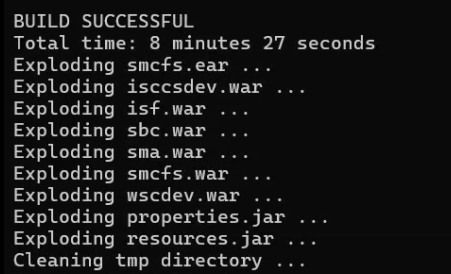
- Extract .ear and .war files
- .ear → Enterprise Archive (smcfs.ear), usually containing multiple .war modules.
- .war → Web application modules for appserver (isf, isccs, isccsdev, wsc, wscdev).
- Deploy artifacts
- Places .ear/.war in the application server’s deployment directory.
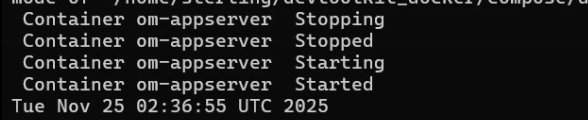
- Automatically triggers redeployment or restart the app server.
- Post-deployment checks
- Validates DB connectivity, queue availability, and service health.
Note: Call Center and Store Engagement apps can be updated separately if the environment is configured for multi-container deployment, allowing targeted deployment without touching unrelated services.
4. Advantages of Dockerized Deployment
- Isolation → Each service runs independently, avoiding conflicts.
- Reproducibility → Same images can be deployed in dev, QA, pre-prod and production environments.
- Incremental updates → Extensions can be updated without rebuilding the entire environment.
- Rapid rollback → Docker makes it easy to revert to previous container versions.
5. Tips for Managing Enterprise Applications in Docker
- Use environment variables to control settings dynamically (MQJC_HOST, OIDC_ENABLE).
- Keep certificates and secrets outside the container and mount them as volumes.
- Leverage docker-compose for multi-container orchestration.
- Maintain separate builds for Call Center and Store Engagement if they have independent lifecycles.
Conclusion
Docker enables seamless build and deployment of complex enterprise applications. With scripts like om-compose.sh, developers and DevOps engineers can:
- Set up a fresh environment (setup)
- Upgrade an existing environment (setup-upg)
- Incrementally update customizations (update-extn)
This approach minimizes downtime, improves reproducibility, and ensures consistent deployments across environments.